
Settings
The settings page controls server-wide reporting, performance, and integration preferences. These settings apply to every user of the deployed instance.
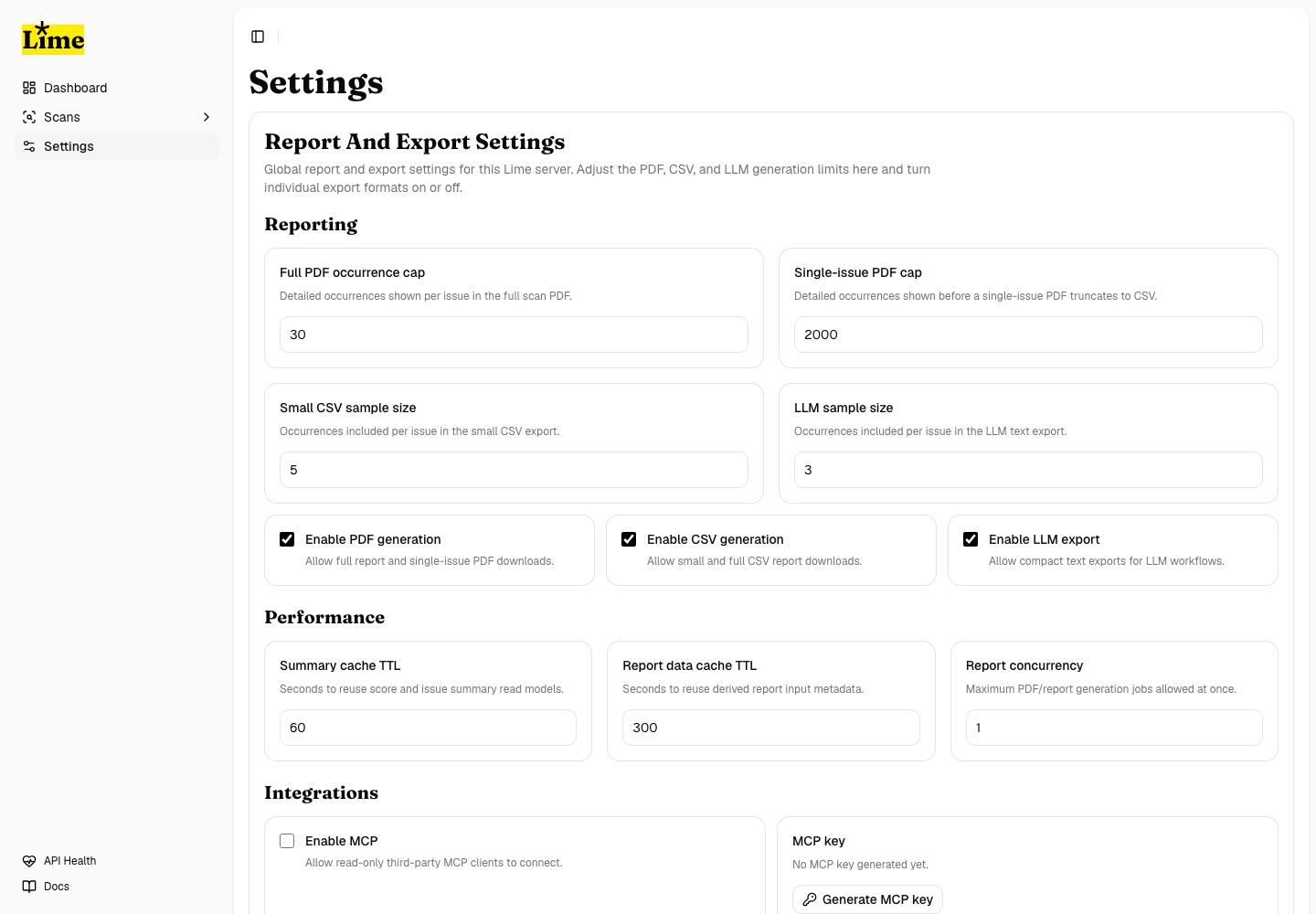
Reporting settings
- Enable or disable PDF generation.
- Enable or disable CSV generation.
- Enable or disable LLM text generation.
- Set the maximum occurrence detail included in full scan PDFs.
- Set the maximum occurrence detail included in issue-specific PDFs.
- Set the occurrence limit used by small CSV exports.
Performance settings
- Tune summary cache TTL when dashboard and scan summary reads are frequent.
- Tune report-data cache TTL when repeated exports are common.
- Set the report-generation concurrency cap based on server CPU and memory.
- Keep conservative defaults on small servers and increase only after profiling.
Integration settings
Integration settings include the read-only MCP controls used to connect external AI tools. MCP setup is documented in MCP For AI Tools.