
Scan Detail And Partial Retry
The scan detail page is the source of truth for one scan ID. It shows lifecycle, score, coverage, severity breakdown, URL status, and scan-level actions.
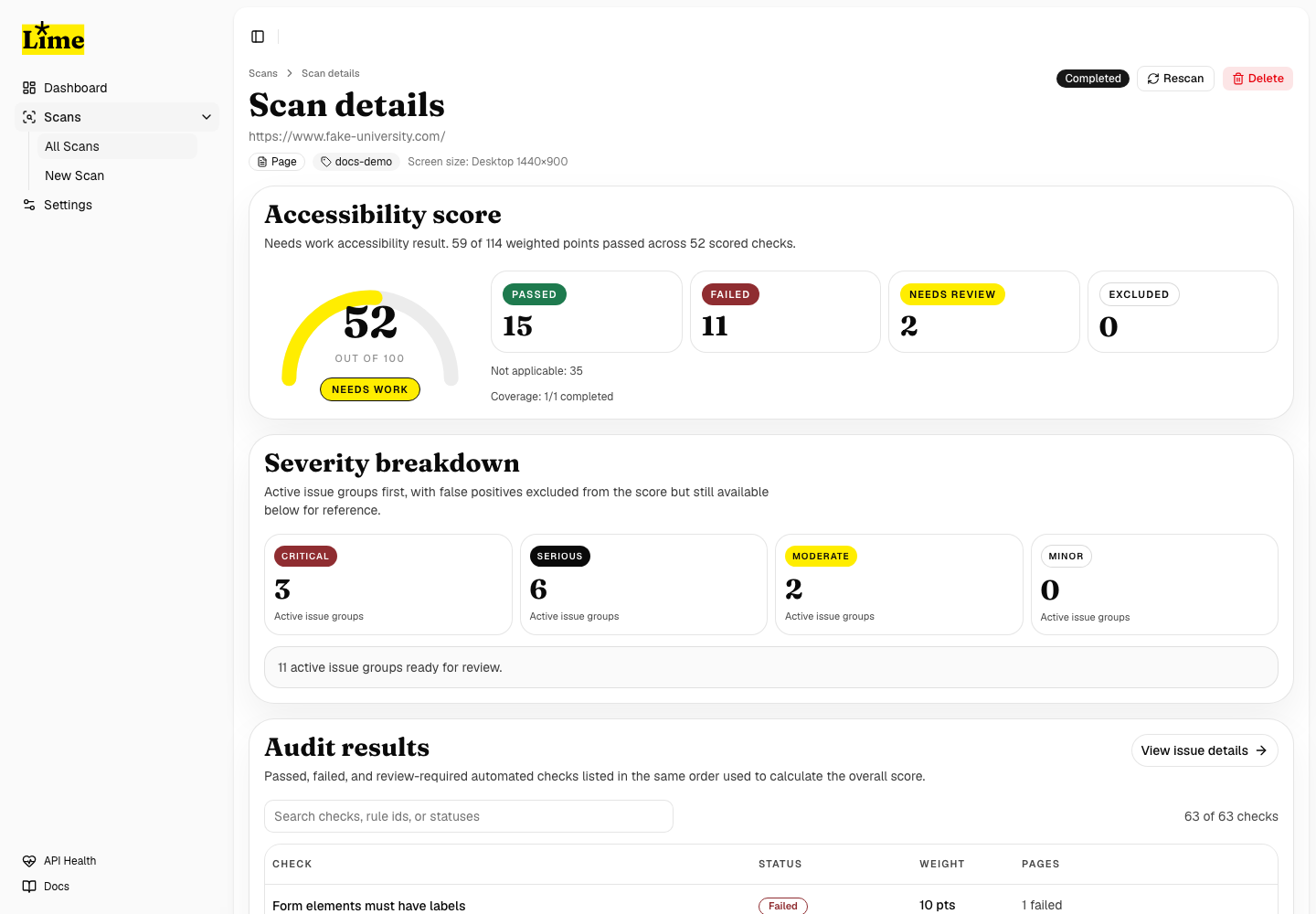
Review progress
- Open a scan from the dashboard.
- Confirm the target and scan ID.
- Read the completed, pending, and failed URL counts.
- Review the score summary only after enough URLs have completed.
- Use the URL table to identify whether failures are isolated or widespread.
Same-scan failed-page retry
When a completed scan is partial, LIME can retry only the failed pages inside the existing scan. This avoids running a full scan from the start and keeps the same scan ID, report, score history, completed URL rows, and issue grouping.
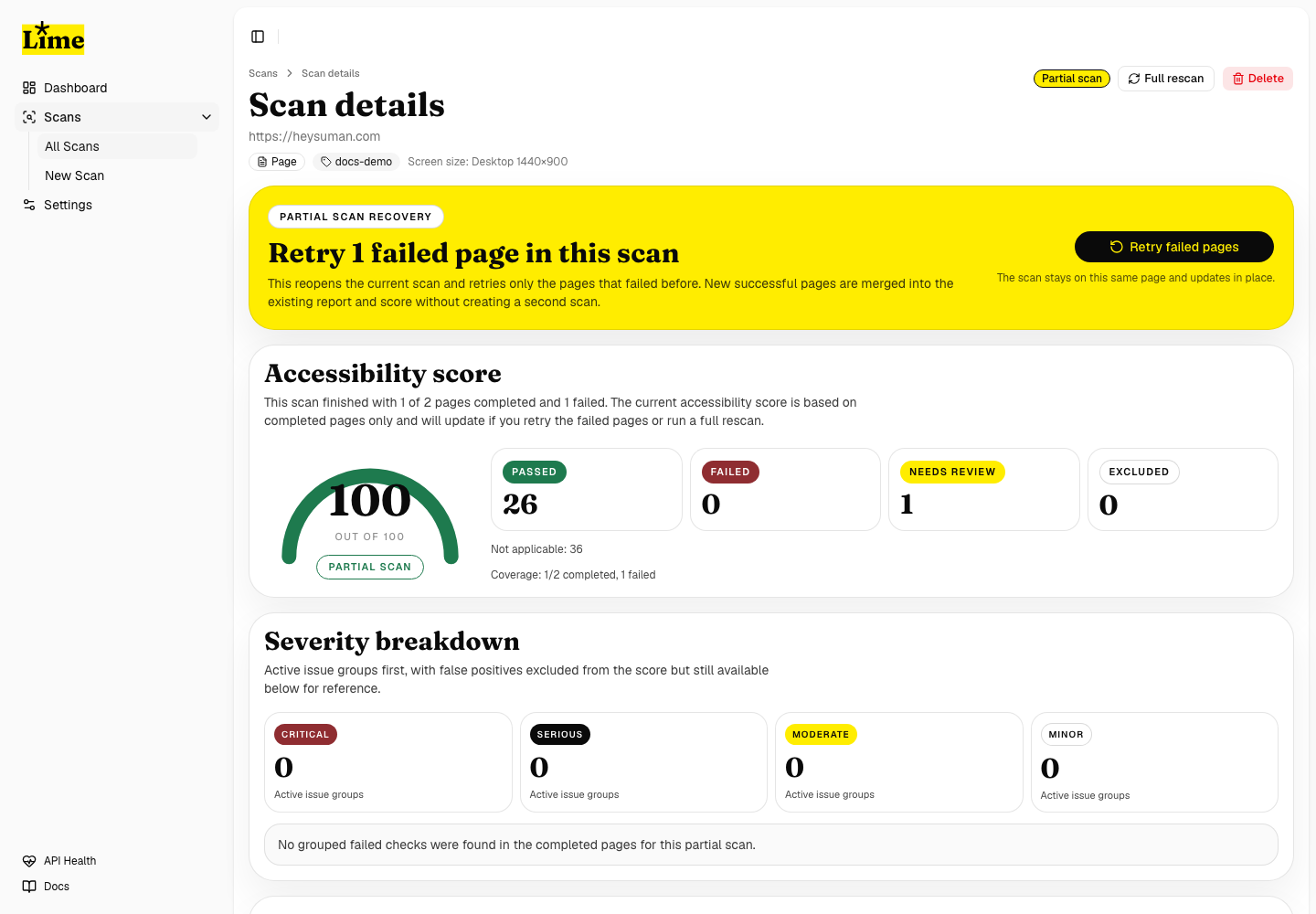
Retry failed pages
- Wait until the scan is completed and marked partial.
- Use Retry failed pages from the top retry area.
- LIME reopens the same scan and resets only failed URLs to pending.
- The progress view resumes from the previous completed count.
- Newly successful pages merge into the existing report.
- Pages that fail again return to failed status.
Full rescan versus retry
Use Retry failed pages when the scan is partial and you want the current report to become more complete. Use Full rescan only when you intentionally want a new scan record for comparison.